26:20Lists in Adalo, from data to layout
Connect a list to a collection, bind fields with Magic Text, filter the records, and understand when a custom list is worth the complexity.
Verified from current public evidencePractical answers for when the builder gets confusing—organized from years of tutorials and clearly marked for what still works today.
Core guideLists in Adalo, from data to layout
AnswerHow does conditional visibility work in Adalo?
AnswerHow do you use geolocation in Adalo?The original crash course earned 74K views because it made the builder legible. This guide keeps the mental model and labels the parts that need a current check.
Screens create context. Components create interface. Collections create memory. Actions create change.
26:20Connect a list to a collection, bind fields with Magic Text, filter the records, and understand when a custom list is worth the complexity.
Verified from current public evidence
17:35Show or hide components based on user data, record values, inputs, dates, and other conditions—and debug the common gotchas.
Verified from current public evidence
15:57Store location values, compare distance, and design a location-aware list without confusing addresses with plain text.
Verified from current public evidence“Reviewed” means the page’s claims and status were checked—not that every legacy video was rebuilt.
Most problems belong to data, interface, or logic. Choose the layer that feels wrong.
Learn the core ideas behind screens, components, actions, and data.
Model app data clearly and connect records without painting yourself into a corner.
Show the right records, build useful search, and keep list logic understandable.
Make taps, transitions, updates, and conditional workflows behave predictably.
Show the right component at the right moment using data and component state.
Personalize screens and connect experiences to the logged-in user.
Connect external services and understand what belongs outside Adalo.
Build screens that remain clear across phone, tablet, and desktop.
Prepare a stable app, diagnose heavy screens, and publish with confidence.
Follow complete app features from schema through working interaction.
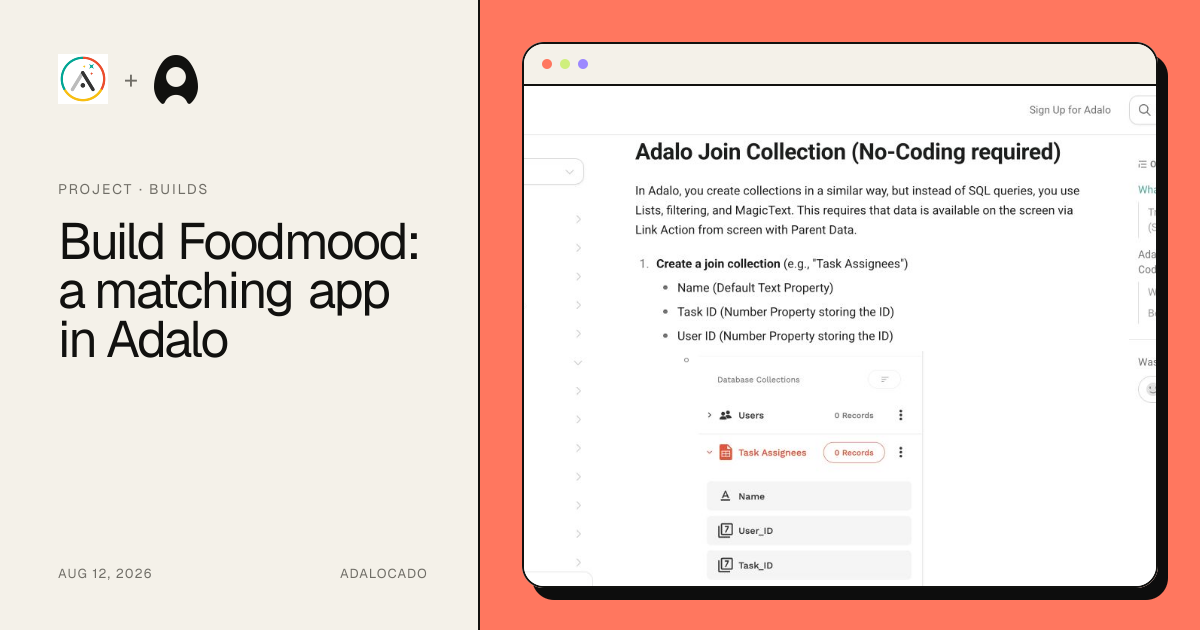
The Foodmood series ties together identity, sessions, profiles, list states, and matching logic in one preserved project.
Explore Foodmood
CHAPTER 1
CHAPTER 2
CHAPTER 3Send the exact problem—the useful, messy version with what you expected and what happened instead.
Submit a problem